What Is a Database in Baserow - Structure and Levels
A Baserow database is a set of related tables inside a workspace, where rows hold individual records and fields define the data type of each column - a structure that replaces a traditional spreadsheet with a flexible builder featuring table relationships, views, and formulas.
The Data Hierarchy
Every piece of data in Baserow sits at one of four nested levels:
- workspace - the top-level container that holds a team and its databases;
- database - a set of tables covering one subject area;
- table - stores same-type records as rows and fields;
- row - a single record, such as one customer or one task;
- field - a table column that defines the data type: text, number, date, and more.
For how a workspace groups databases and team members together, see Workspaces Overview ; for Baserow’s foundational concepts overall, see Baserow’s Core Building Blocks .
What Makes Up a Database
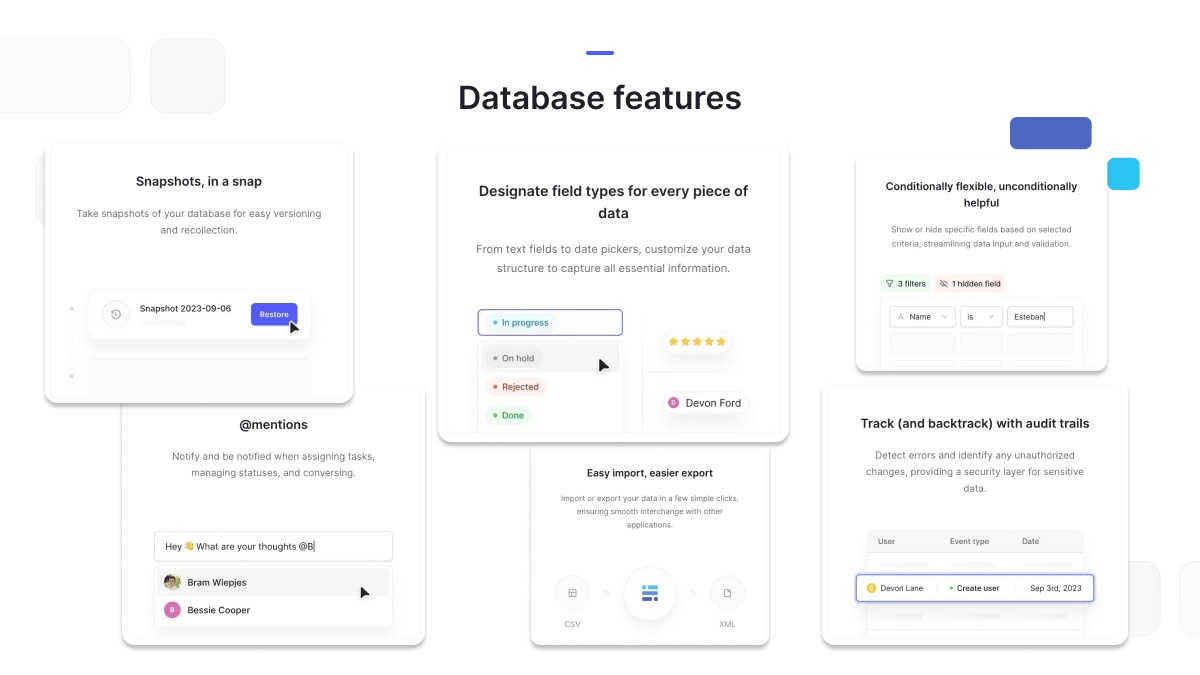
In the open-source edition of Baserow, every database supports more than 25 field types - from plain text and numbers to dates, dropdown selects, and file attachments. Data inside a table can be viewed through a grid, gallery, or form view, and relationships between tables are defined with link-to-table fields, letting you build a genuine relational structure without writing a line of code.
Common Use Cases
Baserow databases work equally well for customer tracking (CRM), project and task management, inventory tracking, content planning, and event organization - for any of these you can start from a blank database or from a ready template, covered in Create a Database .
Managing and Recovering Data
A database can be renamed, exported, and imported in CSV or Excel format, and an existing Airtable project can be migrated in, a process covered in Import Airtable to Baserow . Developers get a REST API and database tokens, while non-technical users can rely on Zapier, Make, and n8n integrations. If a database is deleted by mistake, a five-second undo is available right after deletion, followed by trash recovery during a grace period - see Delete a Database for the details.
Frequently Asked Questions
How many databases can I create in one workspace? There’s no limit - create a separate database for each project or subject area whenever that makes the data easier to manage.
What happens if I delete a database by accident? It moves to the trash, where any workspace member with sufficient permissions can restore it before the recovery grace period ends.
Next, read Create a Database to learn how to build one from scratch, from a template, by duplication, or by import.