Baserow Autonumber Field - Sequential Row IDs Explained
An Autonumber field in Baserow automatically assigns each new row a unique, incrementing number that cannot be edited by hand and stays fixed even if you reorder the rows in a view. This article covers how to add the field, what happens to the numbering when rows are deleted, and how to re-number a table from scratch.
Overview
An Autonumber field assigns every new row a unique, incrementing number (1, 2, 3…). The number is based on the row’s creation date and time and does not change, even if you reorder the row in a view later.
A key trait of this field is that it is non-editable. You cannot manually change the numbers, which keeps the sequence trustworthy as a data-integrity guarantee. It is commonly used as a simple record identifier or an easy way to reference a row (for example, “Ticket #”). Do not confuse it with Baserow’s primary field - the Autonumber field plays a different role: it only generates a sequential number and is not the table’s required leading column.
Use this field to generate unique identifiers for records - order IDs, ticket numbers, member IDs. To build a custom-looking ID such as MEM-1001, combine a single line text field
with an Autonumber field through a formula
.
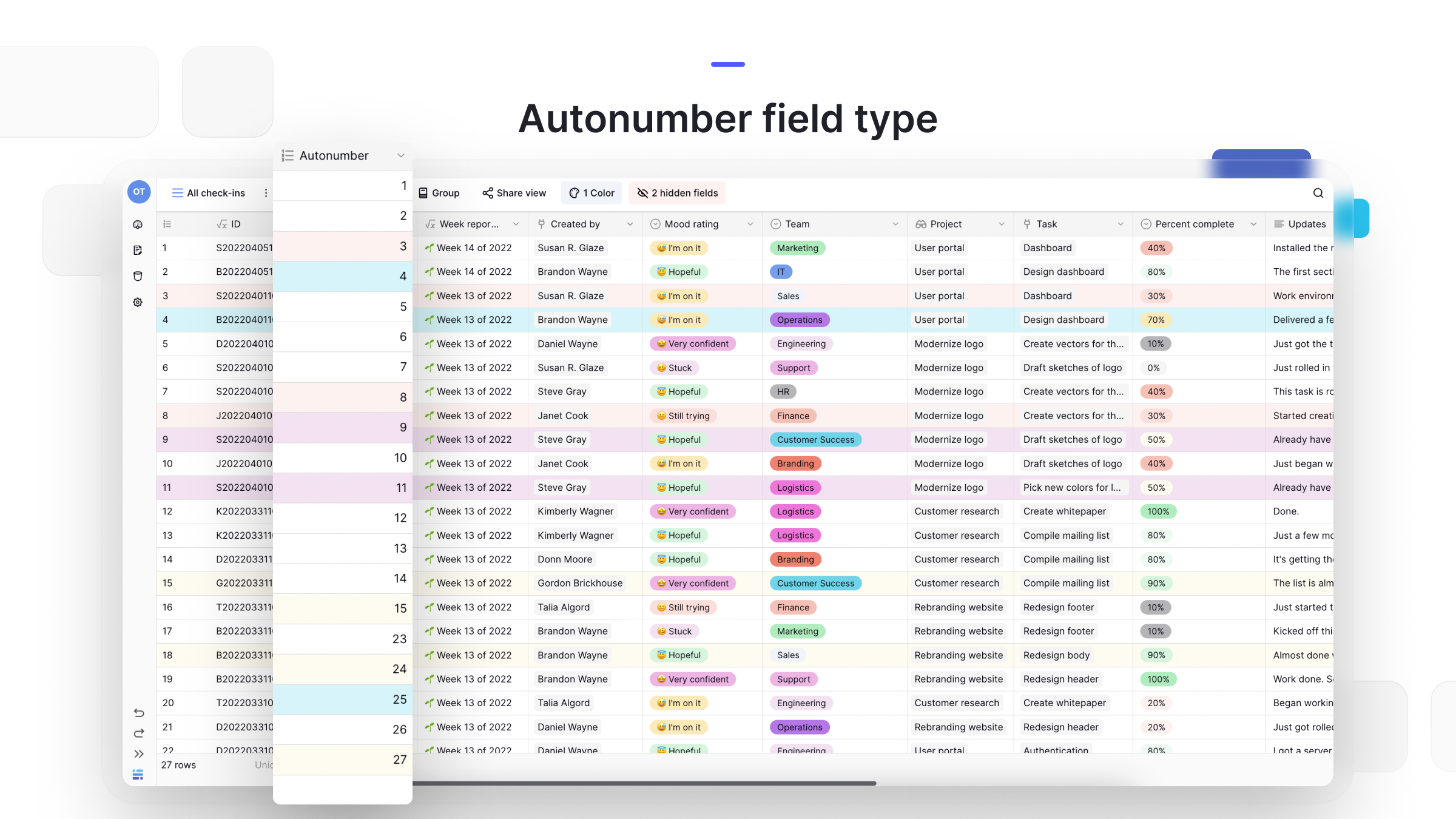
How to add an Autonumber field
- In your table, click the plus sign
+to add a new field. - In the field type search menu, type “Autonumber” and select the Autonumber field type.
- Give the field a name, such as “Row ID.”
- Click Create.
The field automatically populates for every existing row and for each new row you create afterward.
How to re-number rows
Autonumbering always starts at 1. Deleting rows creates gaps in the sequence (for example, 1, 2, 4, 5). Baserow does not refill these gaps automatically, because the numbers are meant to work as stable identifiers that never shift once assigned.
If you need a clean, sequential list again (1, 2, 3…), you have two options:
- Re-create the field. Delete the Autonumber field entirely. When you add a new Autonumber field, it generates a fresh, gap-free sequence for every row based on its current creation time.
- Convert the field type and back. Change the Autonumber field to a single line text field (or any other type) - this breaks the numbering. Then convert the field back to Autonumber to trigger a re-numbering pass across every row.
Frequently asked questions
What is the difference between an Autonumber and a UUID field? Both create unique identifiers, but they solve different problems. Autonumber is a simple, human-readable, incrementing number (1, 2, 3…) that is unique within its own table. A UUID field
is a 36-character string such as a1b2c3d4-... that is globally unique, meaning it will never collide with a record in any other database. Use Autonumber for simple internal references, and reach for UUID when you need an identifier that is safe to expose to external systems or APIs.
Can I change the starting number? No. The Autonumber field always starts at 1.
Why are there gaps in my numbers? Gaps appear when rows are deleted. The field never reuses a deleted row’s number, which guarantees that a row’s ID, once assigned, never changes and never gets handed to a different record.
Can I reset the Autonumber sequence? Not directly, but there is a workaround: delete the Autonumber field entirely. When you add a new Autonumber field, it generates a fresh sequence for every row based on its current creation time.
Related content
- The UUID field creates globally unique identifiers - use it instead of Autonumber when you integrate with external systems.
- The Number field is the better fit when you need editable numeric values that can be used inside calculations.
- The Baserow field type overview compares the Autonumber field against the other automatic and computed field types.