Baserow Created by Field - Track Who Made Each Row
The Created by field automatically stamps a row with the name of the workspace member who created it, and keeps that value as a permanent, unchangeable record of origin - it cannot be edited by hand even if other users later modify the row. This article covers what the field is and its key properties, how to add this automatic field to your table, and how it differs from the Last modified by and Collaborator fields.
What is a Created by field?
A Created by field automatically tracks and displays the name of the workspace member who created each row in a table.
When a new row is created , Baserow populates this field with the active user’s name. A key feature of this field is that it is “non-editable” and “permanent”: the value stays unchanged even if the row is later edited or modified by other users, which keeps data integrity intact.
This gives you clear accountability, making it easy to trace information back to its source for historical reference or follow-up.
For more on configuring field types in general, see Field customization .
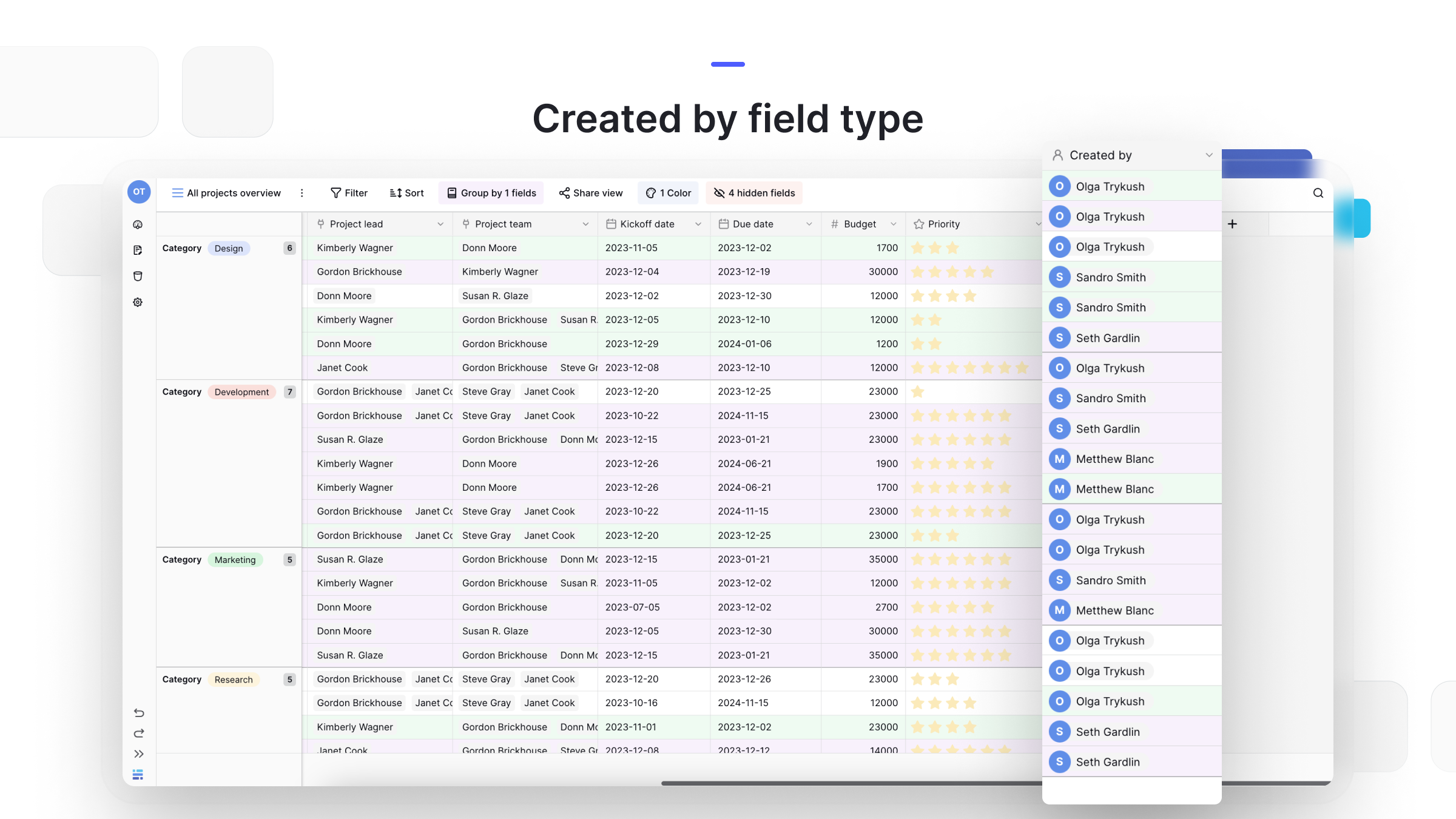
How to add a Created by field
The field’s data is captured automatically, but you still need to add the column to your table to see it.
- In your table, click the plus sign
+to add a new field . - Search for and select Created by from the field type dropdown.
- Click Create.
Once added, the field automatically populates for every new row you create .
Note: this field only tracks the original creator. To see who last edited a row, use the Last modified by field instead.
Frequently asked questions
What’s the difference between Created by and Last modified by? The Created by field shows who created the row and never changes. The Last modified by field shows the user who last edited the row and updates with every change.
What’s the difference between Created by and a Collaborator field? Created by is automatic and set by the system. A Collaborator field is manual - it’s a field where you actively assign one or more users to a row, for example to own a task.
Can I change the user shown in the Created by field? No. The Created by field is non-editable, which keeps it a reliable source of truth for who created the record.
Can I use this field in formulas? Yes. The Created by field can be referenced in formulas, letting you trigger actions or display different content based on who created the row.
What’s next
To see who last touched a row, read about the Last modified by field , or for manually assigning an owner see the Collaborator field . For the full catalog of field types and categories, see the Baserow field overview .