Baserow Last Modified By Field - Track Row Editors
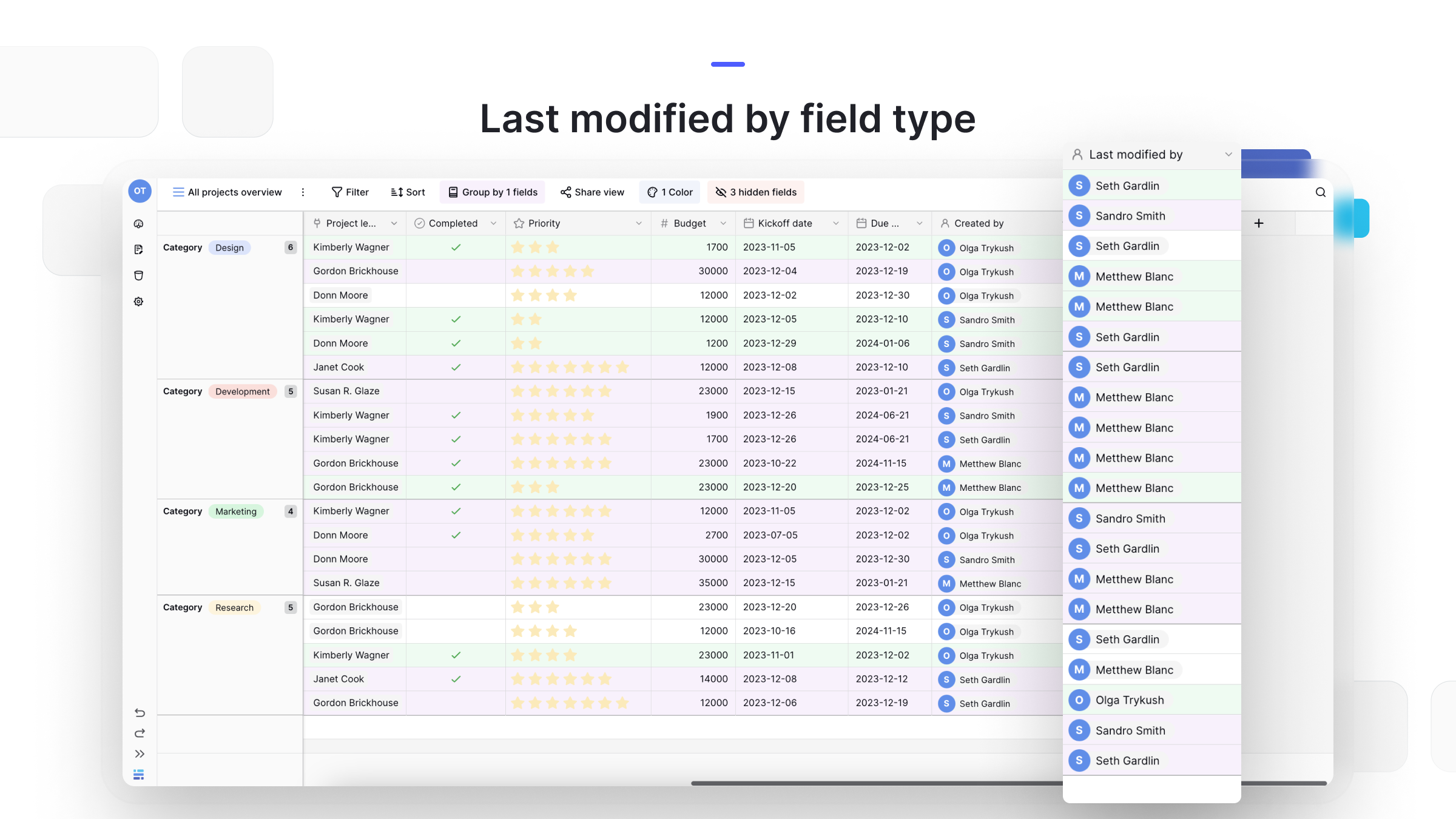
The Last modified by field automatically shows who last edited a row - it updates itself on every direct cell edit and cannot be set by hand. This article covers how to add the field, which actions trigger an update, and how it differs from Created by, Last modified (time), and Collaborator fields.
What is a Last modified by field?
The Last modified by field automatically tracks and displays the name of the workspace user who last edited a row.
It is a non-editable field, meaning you cannot manually change the user. This ensures data integrity and provides clear accountability, helping you trace changes back to a specific individual.
This field is the direct companion to the Last modified (time) field. Together, they show you who made the last change and when it happened.
How to add the Last modified by field
While Baserow tracks this information automatically, you must add the field to your table to see it.
- Open your Baserow database and the desired table.
- Click the
+button to add a new field . - Search for and select Last modified by from the field type dropdown.
- Click Create.
Once added, the field will automatically populate with the name of the user who makes the next modification to any row.
Frequently asked questions
What’s the difference between Last modified by and Last modified (time)? They are companion fields designed to be used together. Last modified by shows who made the edit. The Last modified field shows when the edit happened (the date and time).
What’s the difference between Last modified by and Created by? They track two different user actions. The Created by field shows who created the row - it is set once and never changes. Last modified by shows who last edited the row - it updates with every change.
What’s the difference between Last modified by and a Collaborator field? Last modified by is automatic and non-editable - the system sets this value based on a user’s action. The Collaborator field is manual - it’s a field where you actively assign one or more users to a row, like for a task.
What actions trigger an update? The Last modified by field updates only when a user makes a direct edit to a cell’s value, and it excludes automatic updates from computed fields such as formulas, lookups, or rollups. For Link to table fields, it updates when users add or remove links, but not when data inside the linked record changes.
What’s next
To see the exact time of the last change, read about the Last modified field . To track who created a row, see Created by , and for manually assigning an owner, check the Collaborator field article.