Phone Number Field in Baserow - Format and Click to Call
Baserow’s phone number field validates and formats numerical input, so contact numbers in a table are ready to use straight from the cell instead of needing manual cleanup. This guide covers what a phone number field is and its key features, how to add one to a table, how the field validates and formats data, and how to use the field for click-to-call.
Learn more about configuring any field type: Field customization .
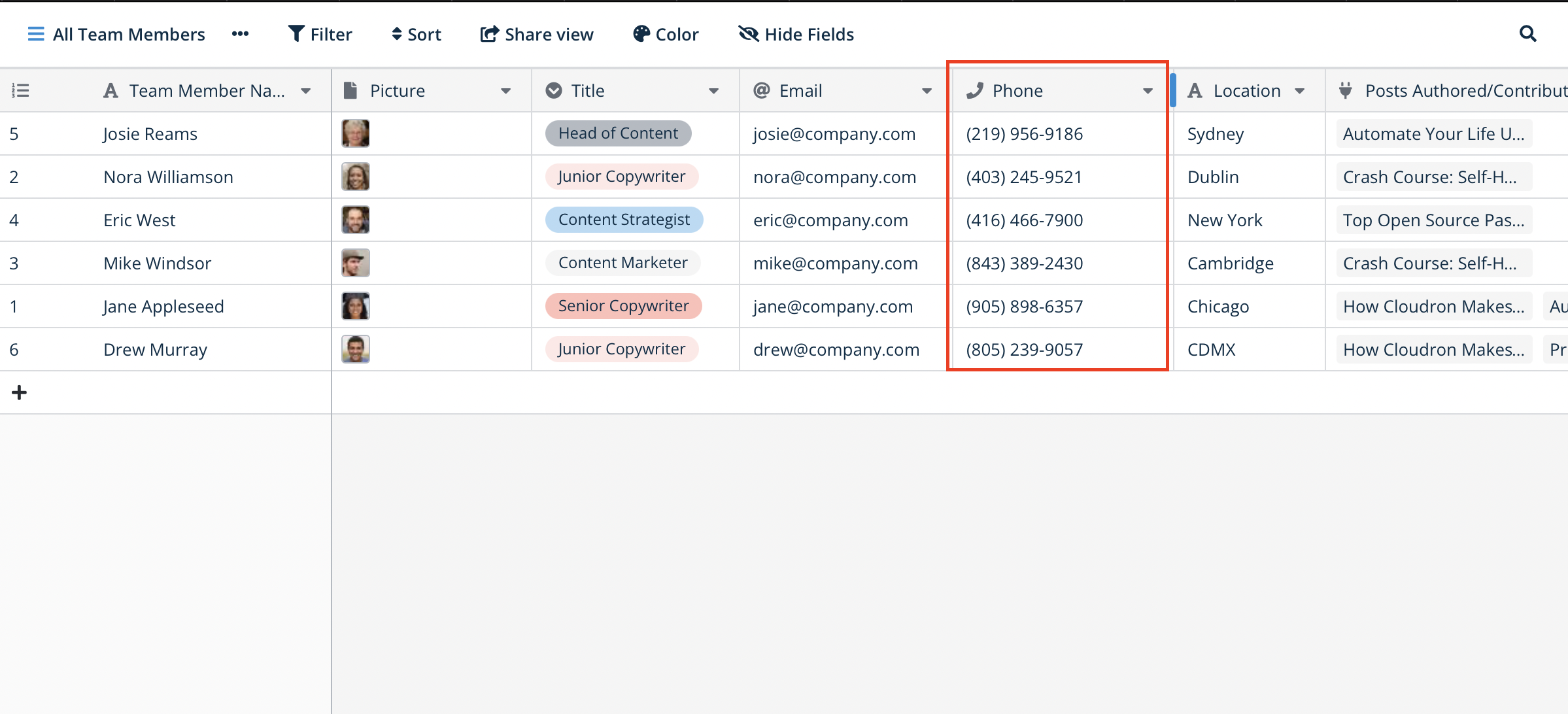
What is a phone number field
A phone number field is a specialized field type designed to store contact phone numbers. Unlike a standard text field, it makes sure the data in that column stays consistent, valid, and actionable.
Its main purpose is to clean up and structure data at the point of entry.
- Validation: it automatically checks that the entered value is a plausible phone number, catching simple data-entry mistakes before they land in the table;
- Formatting: it formats the string of digits into a standardized, readable layout (for example,
+1 (555) 123-4567), which keeps the database clean and easy to scan; - Click-to-call: numbers in this field become actionable links - clicking a number in a browser or tapping it on mobile launches the device’s default calling app (FaceTime, Skype) or messaging app (iMessage).
This field is essential for any table that tracks leads, contacts, user lists, or any record that needs a valid phone number.
Adding a phone number field
To add a phone number field to a table:
- in the table, click the plus sign
+to add a new field ; - in the dropdown menu, select Phone number as the field type;
- enter a name for the field (for example, “Contact phone”);
- click Create.
How the phone number field behaves
Once the field is added, start entering numbers - Baserow formats the number as you type.
The main benefit is the click-to-call behavior: tap or click on a cell that holds a phone number, and the browser or operating system prompts you to open the number with the default calling or messaging app.
Frequently asked questions
What’s the difference between a phone number field and a text field? A single line text field
accepts any combination of characters. A phone number field is specialized: it validates that the input looks like a phone number and automatically formats it into a consistent structure. It also turns the number into a clickable tel: link, which a text field does not do by default.
What format should a number be entered in? The field is flexible and does its best to interpret whatever is typed in. For a reliable result and to avoid ambiguity, use the international format with a country code (for example, +1 for the United States, +44 for the United Kingdom).
Does the field validate that the phone number is real? The field validates that an entry is in the shape of a phone number (for example, that it has a plausible number of digits). It does not check whether the number is actually in service. The goal is data consistency, not confirming that the line is active.
What’s next
The phone number field belongs to Baserow’s validation and formatting field types . For related contact data, see the email field and the URL field , and to connect a contact to another table of records, read Link to table field .