Baserow UUID Field - Unique Row Identifiers Explained
The UUID field automatically generates a globally unique 36-character ID for every row, which makes it a natural fit for external systems, APIs, and merging data from separate sources. This article covers what a UUID field is, how to add one to your table, and the key differences between a UUID and an autonumber field.
What is a UUID field?
A UUID (Universally Unique Identifier) field is an automatic field that generates a unique 36-character string (for example, a1b2c3d4-e5f6-7890-g1h2-i3j4k5l6m7n8) for every new row.
The field has two key properties:
- Non-editable: users cannot manually change the value, which keeps the data trustworthy;
- Globally unique: the generated ID is statistically guaranteed to be unique across every table and every database, not just within its own table.
That makes it a strong choice for a primary field whenever you need a stable, unique ID for APIs, external integrations, or merging data from different sources.
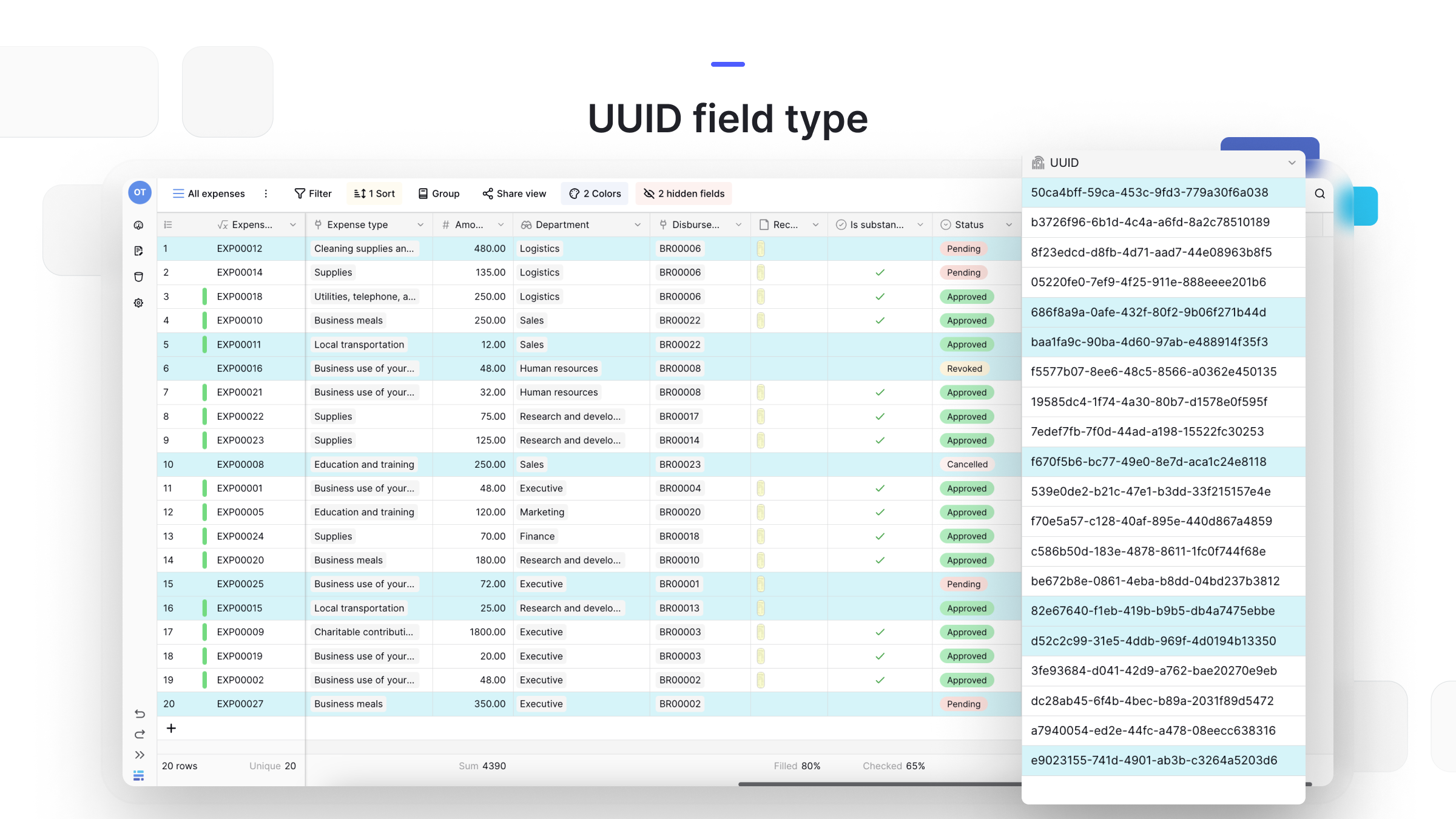
How to add a UUID field
- In your table, click the plus sign
+to add a new field . - Select UUID from the field type dropdown menu.
- Name the field (for example, “Unique ID”).
- Click Create.
The field populates automatically for every existing row and for each new row you create afterward.
Frequently asked questions
What’s the difference between a UUID and an autonumber field? Both fields create unique IDs, but they serve different purposes. The autonumber field creates a simple, human-readable, incrementing number (1, 2, 3…) that is only unique within its own table - a good fit for simple internal references. The UUID field creates a complex, 36-character machine-readable string that is globally unique, which is what you need for a permanent ID across external systems, APIs, or merged databases.
Can I edit a UUID value? No. The field is non-editable, which is exactly what guarantees its uniqueness and integrity as a permanent row identifier.
Can I use a UUID as a primary field? Yes. It’s an excellent choice for a primary field , especially if you plan to access your data through the API or from other applications.
What’s next
To set up simple sequential numbering instead, read about the autonumber field . For the full list of available field types and when to use each one, see the field type overview , and check adding a field for how fields get created and renamed.