Baserow Basics - Open-Source No-Code Database Platform
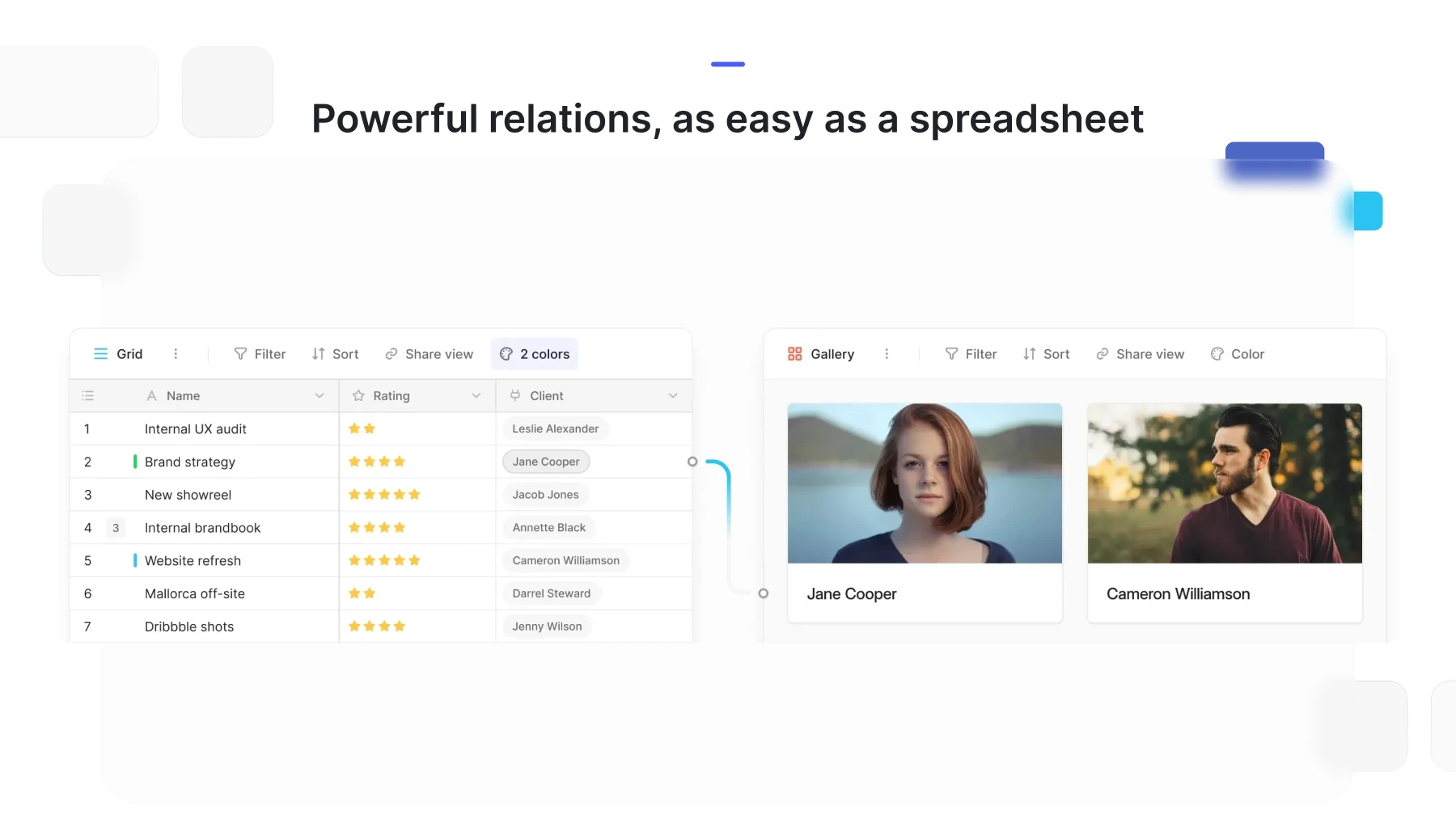
Baserow is an open-source no-code database platform: it pairs the familiar look of a spreadsheet with a relational data model, so teams can build their own databases, tables, and views without writing any code.
What Baserow Is
Baserow handles the technical side of a relational database - relationships between tables, field types, access control - and presents it through an interface that looks and feels like a spreadsheet. Users work with rows and columns, while underneath Baserow stores the data in a full PostgreSQL database. The project ships under the MIT license, so it can be self-hosted and its free open-source features used without vendor lock-in.
The Core Building Blocks
Before diving into day-to-day work, it helps to see the overall structure of the platform:
- Workspace - the top-level container that holds databases and team members.
- Database - a set of related tables covering one subject area, such as a CRM or a task tracker.
- Table - the structure of rows and fields inside a database.
- Field - a table column with a defined data type (text, number, date, a link to another table, and so on).
- Row - a single record in a table.
- View - a configurable way to display the data of one table without changing the underlying data itself.
Detailed definitions of each term, with examples, are covered in Learn Baserow’s Basic Concepts .
What Baserow Is Good For
Thanks to its flexible data model, Baserow fits both personal lists and team workflows equally well:
- tracking customers and deals for sales and marketing teams;
- tracking tasks and projects for IT teams and operations;
- HR record-keeping, from open positions to employee onboarding;
- financial and inventory tracking for small and mid-sized companies.
None of these scenarios require paid modules - basic tables, views, filters, and formulas are all part of the open-source edition of Baserow.
Importing Data and Integrations
Data can be brought into Baserow from CSV, Excel, and other spreadsheet formats through import, then exported back out - covered in the Tables section. For automation, Baserow exposes a REST API and webhooks that let it connect to external systems without manual data copying.
Where to Go Next
The following articles in this section walk through the rest of the onboarding path:
- How to Get Started with Baserow - a step-by-step path from deployment to your first database.
- Set Up Baserow - installing the OpenNix image from the Yandex Cloud Marketplace.
- Learn Baserow’s Basic Concepts - a detailed glossary of platform terminology.
Once you are comfortable with the basic concepts, move on to Workspaces to set up collaboration for your team.