Baserow and Make Integration - No-Code Automation Guide
Make’s Baserow module lets a scenario react to new rows, create, read, update, and delete records, or call the Baserow REST API directly - authentication runs through a database token rather than an account password.
What the Baserow Module Can Do
Make (formerly Integromat) is a visual, no-code automation platform that connects thousands of apps through drag-and-drop scenarios. The Baserow module adds one trigger, several actions, and a search step that combine with any other module in a scenario.
Trigger:
- Watch Created Rows - starts the scenario whenever a new row appears in the selected table.
Actions:
- Create Row - adds a row with the field values supplied by the scenario.
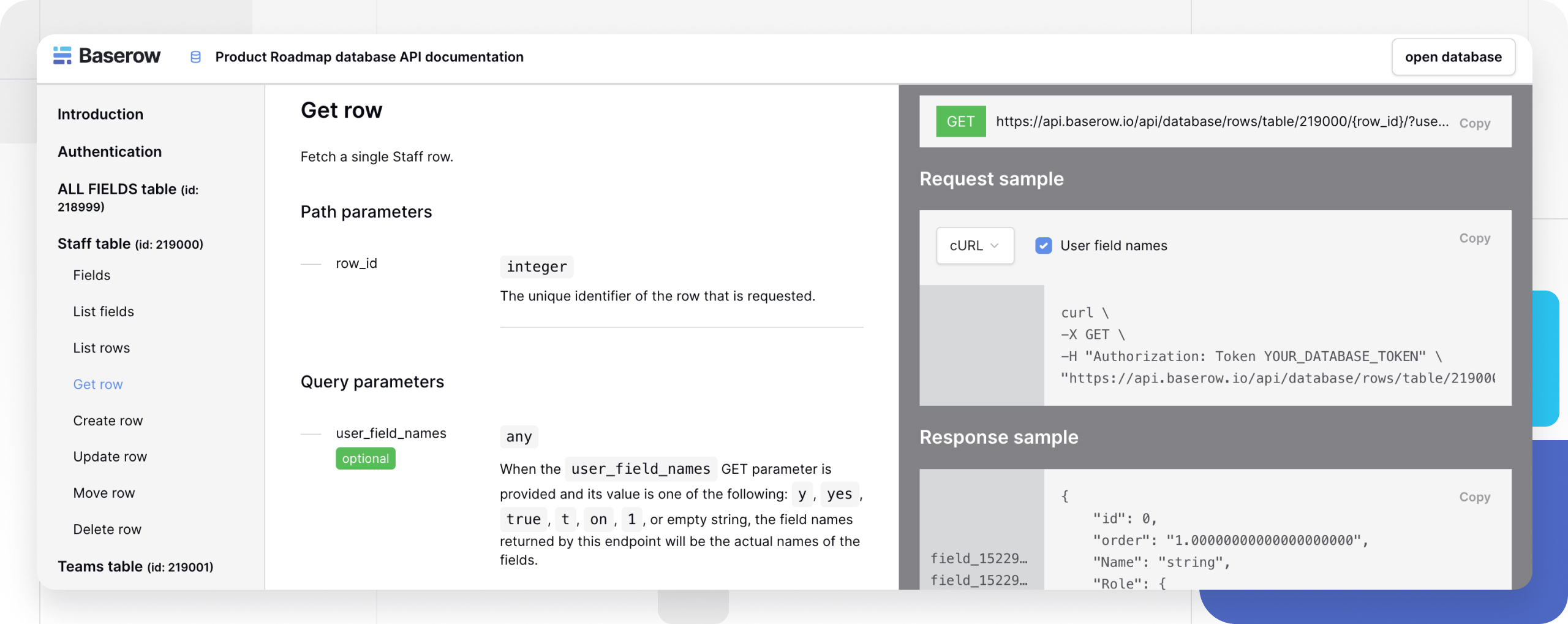
- Get Row - returns a single row by its ID.
- Update Row - changes field values on an existing row.
- Delete Row - removes a row from the table.
- Upload File - uploads a file into a file-type field.
- Make an API Call - sends an arbitrary request to the Baserow REST API with a chosen HTTP method, for cases the built-in actions don’t cover.
Search:
- List Rows - returns a set of rows from a table, optionally filtered.
See Baserow REST API for the full endpoint reference behind these modules.
Connecting Baserow to Make
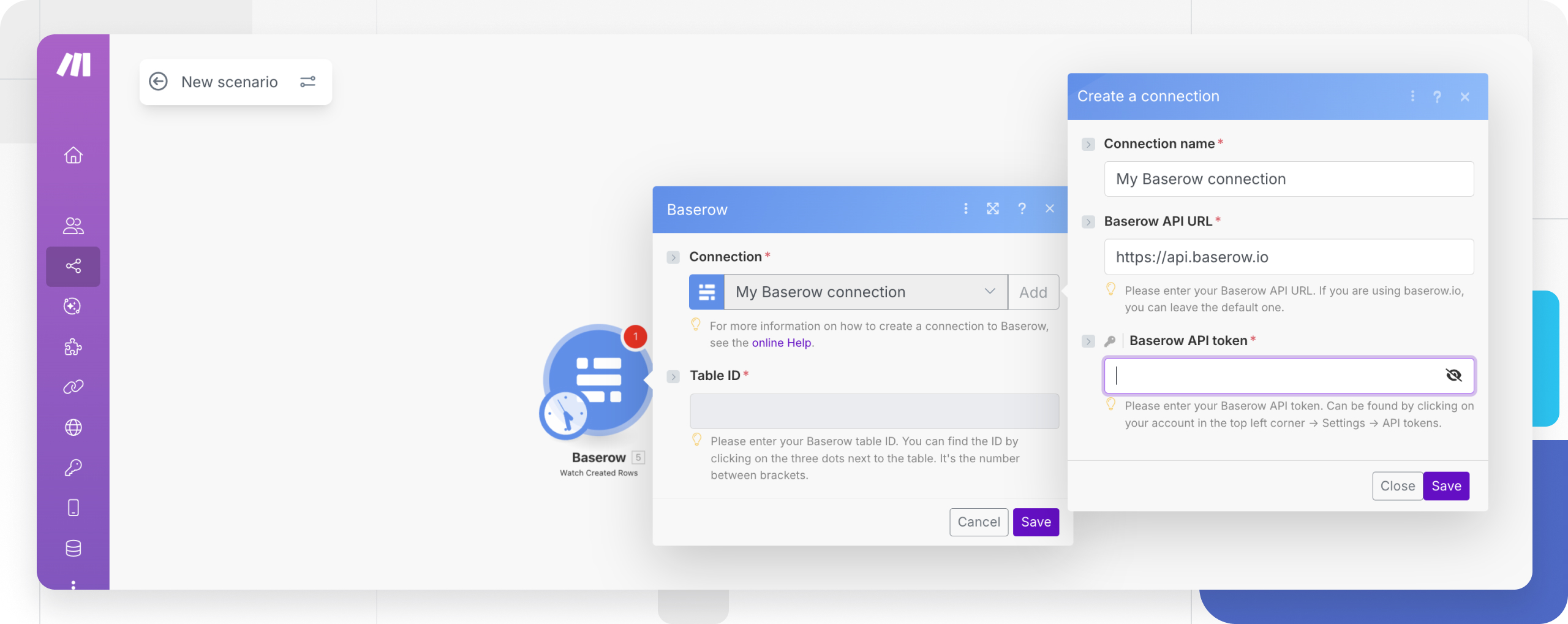
The module authenticates with a database token (API token) , which acts as a password scoped to a single workspace and should be kept just as private as an account password.
- In Baserow, open the workspace settings and create a database token with the permissions the scenario needs.
- Copy the token - Baserow shows it only once, at creation time.
- In Make, add any Baserow module to a scenario and click Add next to the Connection field.
- Enter the API URL:
https://api.baserow.iofor the cloud edition, or the address of a self-hosted server. - Paste the copied token into the connection field and save it.
Once saved, the connection is available to every Baserow module in that scenario - there is no need to recreate it for each one.
Setting Up the Watch Created Rows Trigger
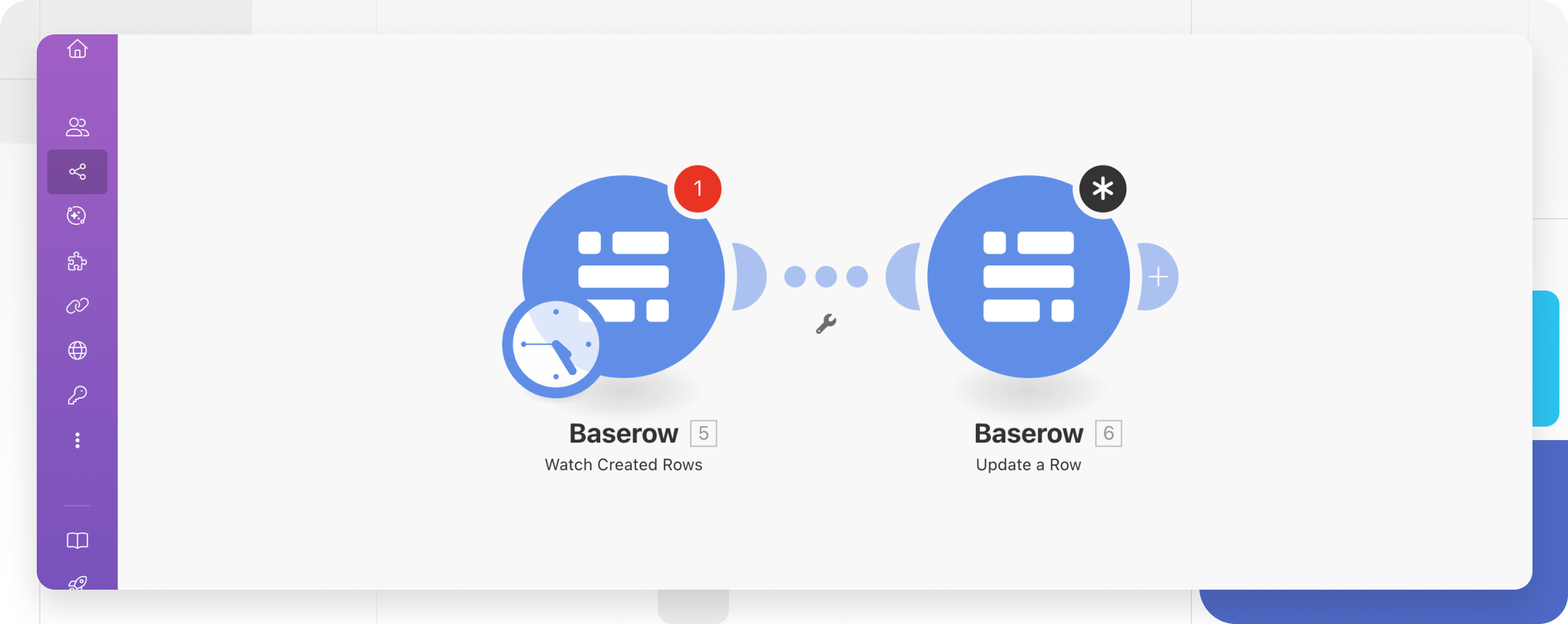
Watch Created Rows polls a table on an interval and fires the scenario for each new row:
- Add the Baserow > Watch Created Rows module at the start of the scenario.
- Choose the connection, database, and table to watch.
- Set the polling interval in the scenario’s scheduling settings.
- Click Run once so Make fetches a sample row and offers field mapping for the modules that follow.
Field values coming out of the trigger can be mapped into any later module - for example, passed to a Create Row action on another table or forwarded to a third-party app.
Polling or Webhook: Choosing a Trigger
Watch Created Rows works by polling - Make checks Baserow on the configured interval, so there can be a short delay between a row appearing and the scenario firing. For an instant reaction instead, configure a Baserow webhook on the “row created” event and point it at Make’s Webhooks > Custom webhook module - Make then receives the notification the moment the row appears, with no periodic polling involved.
Common Use Cases
New record notifications. Watch Created Rows fires a chat message or email every time a row lands in the table.
Syncing with another service. Get Row or List Rows read data from Baserow while another module’s action creates or updates the matching record in an external system.
Capturing form submissions. Create Row saves data collected by a third-party form service straight into a Baserow table, with no manual re-entry.
Fallback operations through the API. Make an API Call covers cases without a dedicated action - batch operations or endpoints the built-in modules don’t expose.
Frequently Asked Questions
Does connecting Make require the Baserow account password? No - the connection uses a database token, which is independent of the account password and can be revoked at any time without changing that password.
Can access be limited to a specific database? Yes - a database token is created with permissions scoped to a workspace and its tables, so the Make module only sees the data the token was issued for.
How is Watch Created Rows different from a webhook on the same event? Watch Created Rows polls the table on Make’s own schedule, while a webhook notifies Make the moment the event happens in Baserow - the webhook is faster and does not consume the scenario’s polling budget.
Does this work with a self-hosted Baserow instance? Yes - point the connection at the self-hosted server’s API URL instead of the cloud address; the rest of the setup is identical.
Next, read Baserow Integration with n8n to build the same kind of scenarios in a self-hostable automation tool.